A small check before a big post
One cover. Every angle.
Find the crop that keeps the good stuff. Preview five ratios,
adjust your framing, and take the finished images with you.
Your workspace
Import Frame Export
Portrait · 3:4
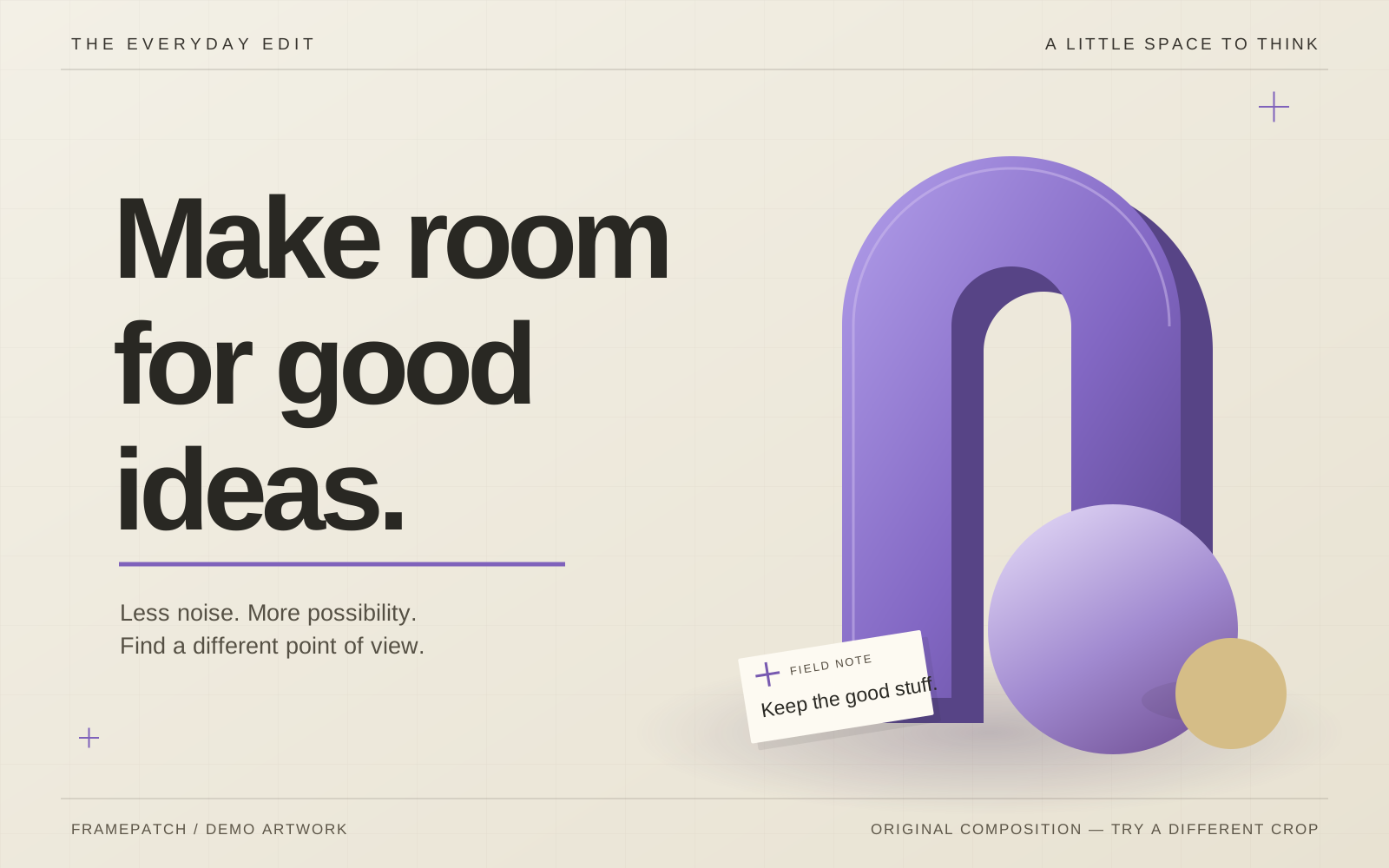
A little perspective helps.
See your image in a new frame.
Drop your image here, or start with ours.
Everything happens right in your browser.
Drag to pan · click to focus
Ready when you are. Your image stays on this device.
The bigger picture
Select a shape to fine-tuneFive export presets, not a promise of how every app will display your post. Always check the final platform preview.
Ready for the outside world.
Clean images. No guides, badges, or watermarks.
Choose an image to check the current file size.
The format applies to individual images and ZIP. Each shape keeps its own framing. Comparison sheets stay PNG. Transparent areas use your background color.
A good frame starts before the crop
A couple of field notes.
Small decisions that help your image work in more places.
All guidesFraming / 3 min read
One image, several shapes.
What should you keep?
Details / 2 min read
The corner your headline
should leave alone.
Before you export.
Does FramePatch upload my image?
No. Selected images are decoded and processed by your browser. The tool does not send your image file to a server or save it to an account. See our privacy note for the distinction between image processing and normal website hosting.
Will every platform use exactly these crops?
No. These are convenient output shapes, not a live simulation of any platform. Apps may crop differently between feeds, profiles, devices, and placements. Check your final post in the app before publishing.
What is the difference between Crop and Fit?
Crop fills the output shape and may remove some of the source image. Fit preserves the whole image and adds your chosen background color in the unused area. Try both when a headline or face sits near an edge.
Why does my small image look soft?
Exporting more pixels cannot recover detail missing from the source. FramePatch warns when the image is being enlarged. If the result looks soft at full size, use a larger original or choose a composition that needs less enlargement.
Can I upload a GIF, HEIC, or SVG?
This version accepts JPG, PNG, and WebP files up to 20 MB and 32 megapixels. Convert other formats first. Export images as PNG, JPG or WebP; comparison sheets are PNGs. The demo SVG is our built-in artwork, not an accepted upload format.